

cursor要付费plan,
codex可以配置,
intellij的插件不好用,
trae的要买企业版,
antigravity不支持,
还是vscode比较顺手
1、下载VsCode
2、安装配置插件 OAI Compatible Provider for Copilot
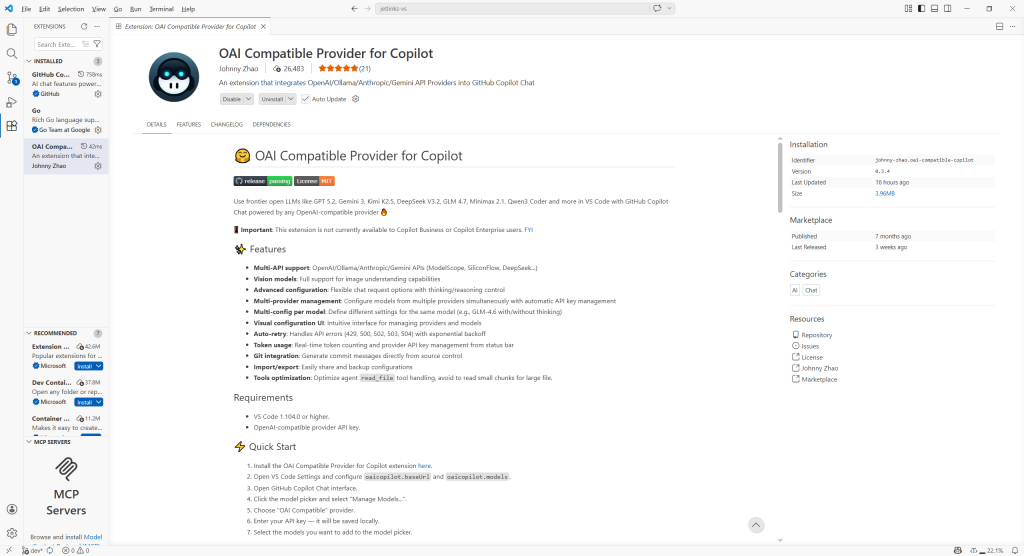
Ctrl+Shift+P > user settings
增加模型,对应你的私有或者其他模型地址,这里用的是国家超算的
{
    "workbench.colorTheme": "Light Modern",
    "oaicopilot.baseUrl": "https://api.scnet.cn/api/llm/v1",
	"oaicopilot.models": [
        {
            "id": "MiniMax-M2.5",
            "family": "MiniMax",
            "baseUrl": "https://api.scnet.cn/api/llm/v1",
            "owned_by": "MiniMax",
            "context_length": 128000,
            "max_tokens": 96000,
            "max_completion_tokens": 96000,
            "enable_thinking": true,
            "temperature": 0.5,
            "repetition_penalty": 1.2
        },
    ],
    "chat.viewSessions.orientation": "stacked",
}
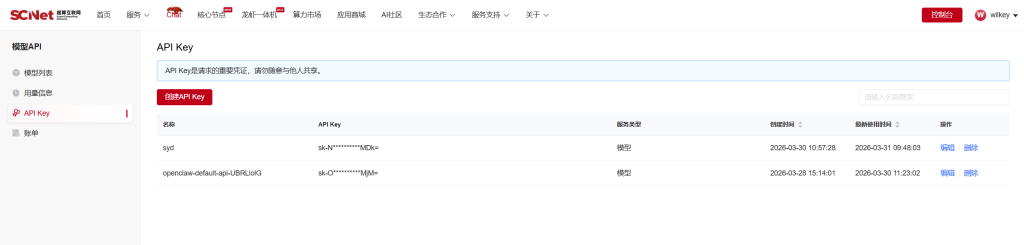
Ctrl+Shift+P > oaiCopilot: set OAI Compatible Multi-Provider ApiKey
选择对应的model配置apikey
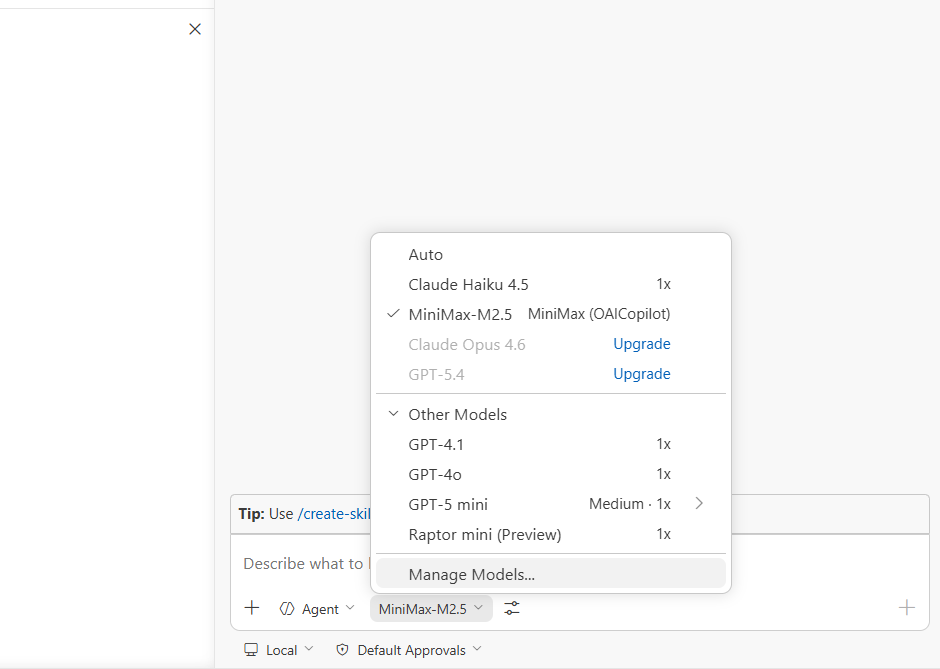
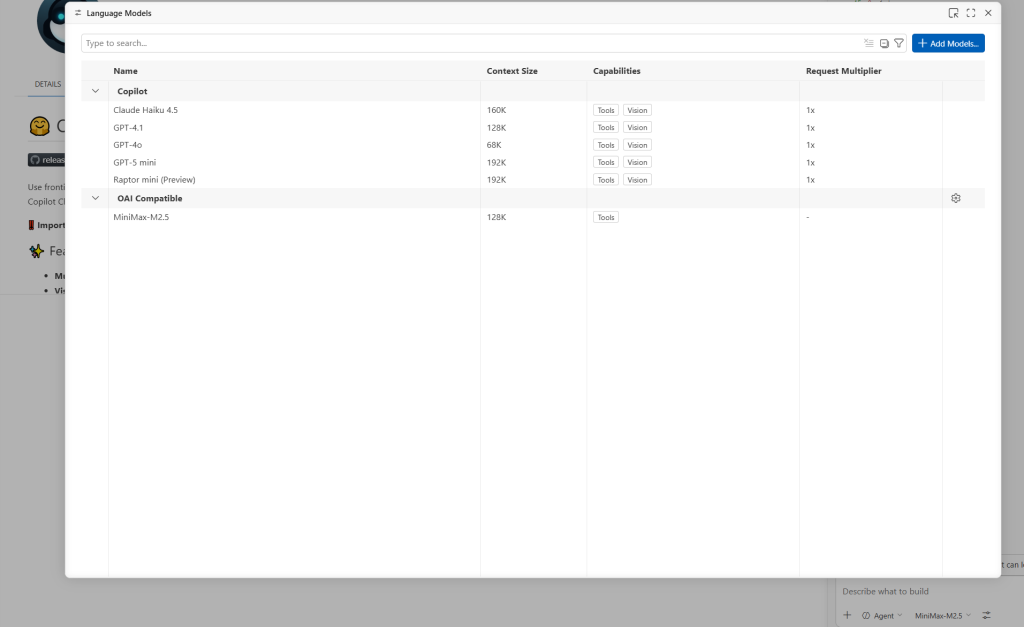
3、使用模型

Comments | NOTHING